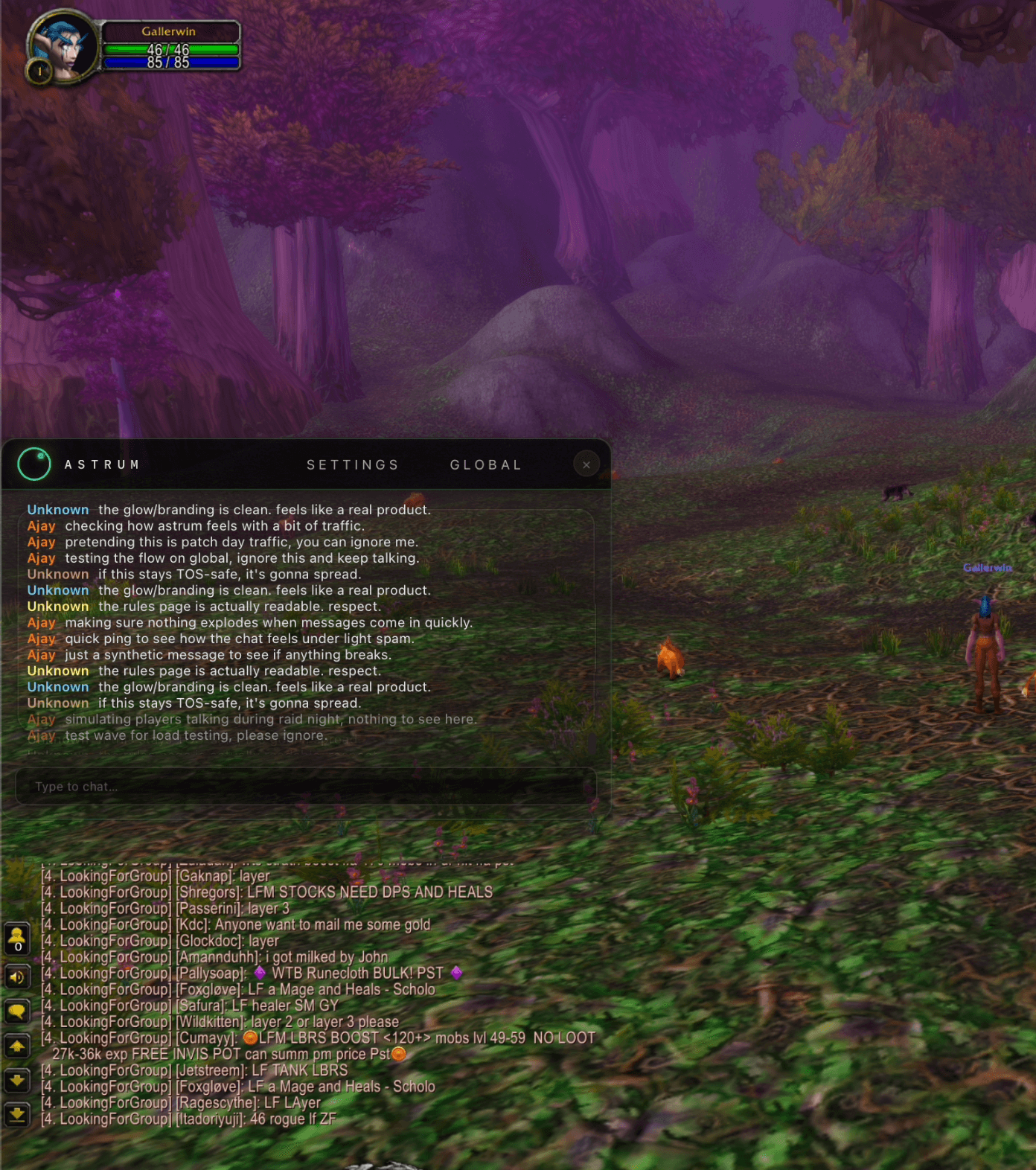
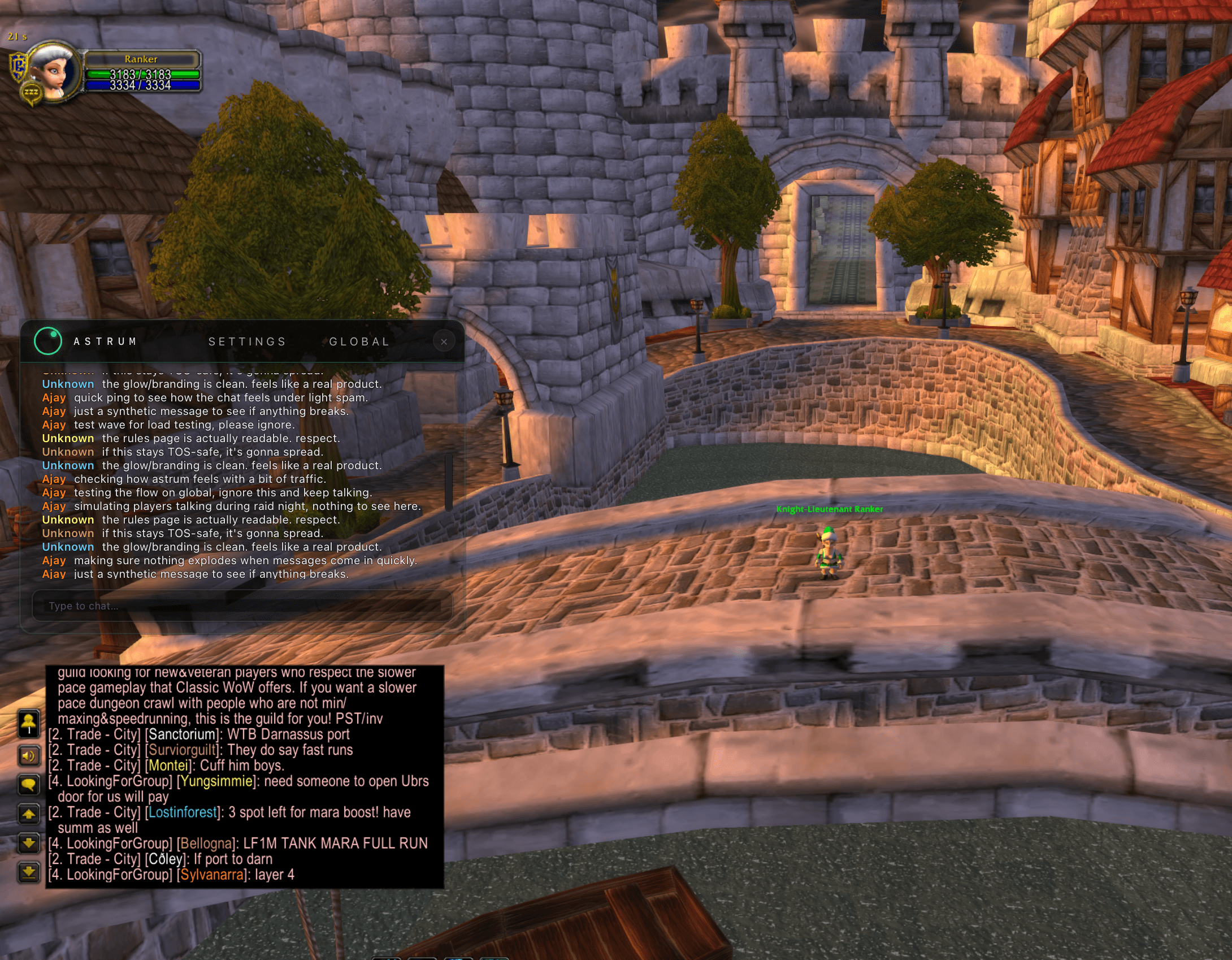
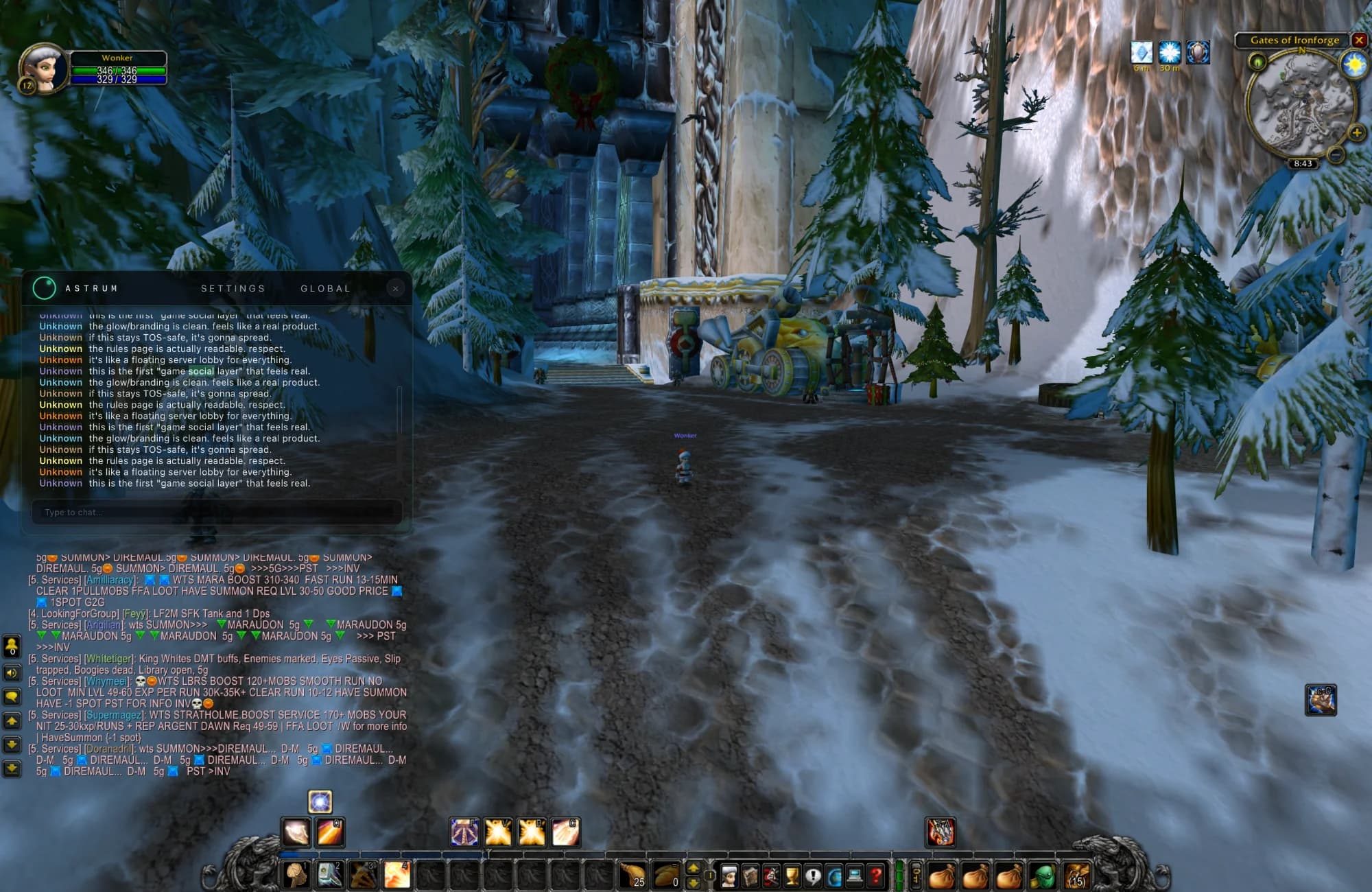
Astrum overlay

Download the Astrum desktop overlay.

Run Astrum on top of your game so chat is always in view. One identity, one account — your profile, reputation, and overlay chat all live under the same login as the web.

The 0.1 alpha ships first for macOS with a Windows build close behind. While we package the installers, you can still use Chat in the browser and keep your progress.

Status
Closed alpha

Expect bugs. Expect changes. What you do here shapes what Astrum becomes.

Games first
WoW Classic

Tuned for fullscreen-windowed MMORPGs. More games come after the alpha.

Your identity
One Astrum account

Same login for web and overlay. Your XP, titles, and rep stay in sync.

Platform
macOS

Built with Tauri. Tuned for fullscreen-windowed games on recent macOS.

Astrum overlay
#crossroadsLive over your game
11:35Ajay → test wave for load testing, ignore.
11:36Players chatting while you stay in combat.
Download for macOSv0.1.0

First alpha build targets macOS Sonoma+ in fullscreen-windowed mode. Native Battle.net and game overlays come later.

Platform
Windows

Native overlay for Windows PCs. Same Astrum account, same chat, tuned for WoW and other fullscreen games.

In-game overlayWindows 11+
Edge-safe

Overlay runs beside your game, no input automation.

Hotkey

Toggle chat on / off while staying in combat.

Same identity

XP, titles, and rep carry over from the web.

Windows builds follow shortly after macOS once we finish signing, installers, and launch-day stress testing.

When the builds are ready, the buttons above will switch to direct download links for the latest signed installers (.dmg on macOS and .msi / .exe on Windows).

Until then, you can always use Astrum in the browser at /crossroads/global while we finish packaging the desktop overlay.